Kotlin
Kotlin Project Structure for Beginner Android Apps
A practical way to organize screens, state, data, and models in a small Android learning project.
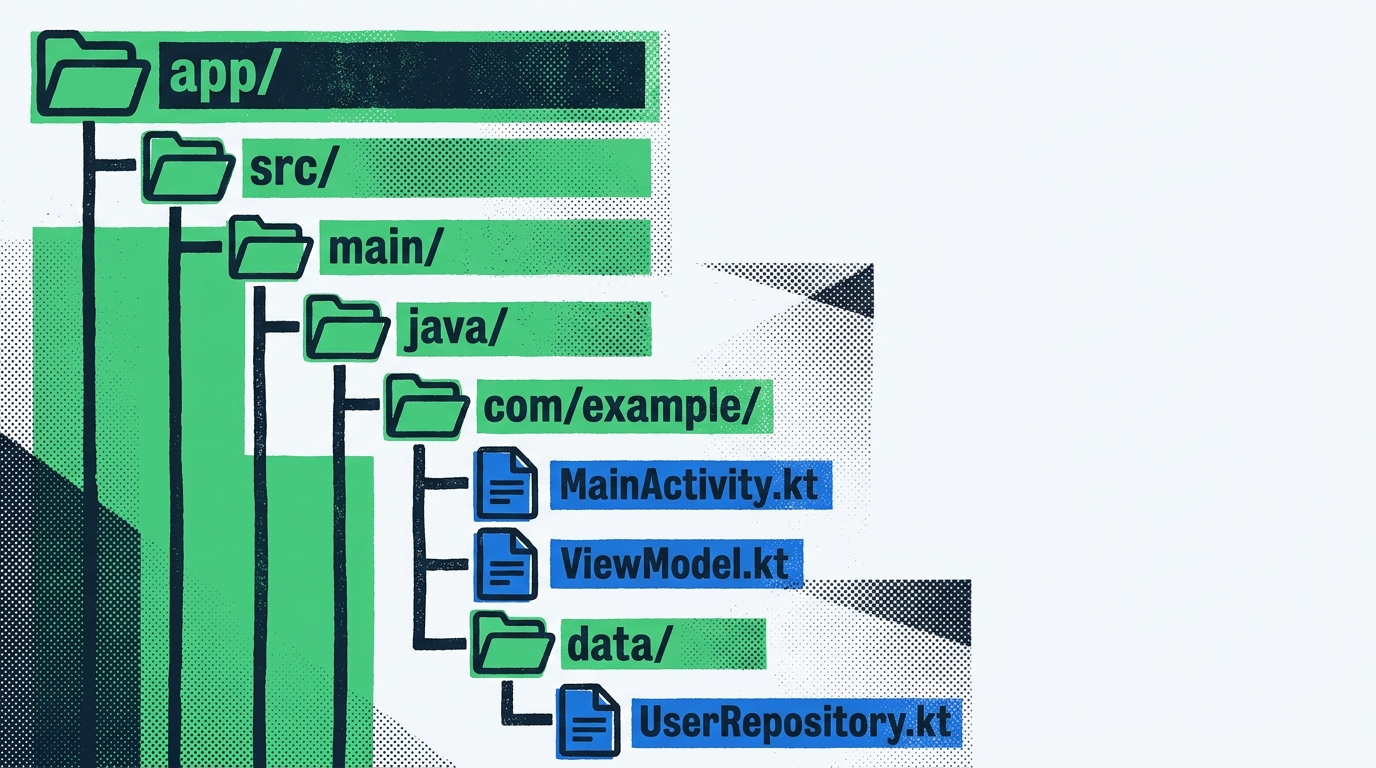
Beginner Android projects often start with one screen and one file. That is fine for the first hour. The problem appears when the project grows just enough to become confusing: UI code mixes with storage, models drift between packages, and every change feels risky.
A small structure can help without turning a learning app into an enterprise architecture diagram.
Start With Four Plain Areas
For a beginner project, try organizing by responsibility:
uifor screens and UI state.datafor repositories, DataStore, Room, or network access.modelfor simple Kotlin data classes.utilfor small helpers that do not own app behavior.
This is not the only valid structure. It is a starting point that teaches separation without too much ceremony.
Keep Screens Focused on Rendering
Screens should describe what the user sees and what actions are available. They should not know how a database query works or how a settings file is written. When a screen needs data, route that through a ViewModel or another state holder appropriate for the app.
For Jetpack Compose, this helps previews and state testing. For XML-based apps, the same principle still applies: UI classes should not become storage classes.
Put Persistence Behind a Small API
Whether you use DataStore, Room, or a JSON file for a demo, hide the details behind a small interface or repository. The point is not abstraction for its own sake. The point is that the rest of the app can ask for data without knowing the storage mechanism.
That habit makes it easier to replace a legacy helper later. It also makes beginner projects easier to explain: UI asks for state, data code provides it, and models describe the shape.
Grow Only When the App Needs It
Do not start with more layers than you can explain. A learning project should stay readable. Add structure when it removes confusion, not when a template says every app needs the same folders.
Good Android structure is less about folder names and more about honest boundaries.
Related reading
Sources
- “Guide to app architecture”, Android Developers, Official Android architecture guide